

CreateWorkbench
Description
Section titled “Description”A component that allows users to define a custom workbench for a positioner. By applying the modeling of the currently used workbench to the simulation, you can smoothly monitor the positioner working process. In addition, you can work with a complete simulation including the modeling of workpieces on the workbench.
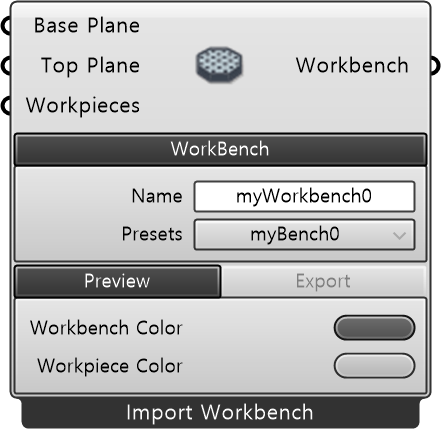
| Name | Type | Description |
|---|---|---|
| Workbench Geo | Mesh | Geometry mesh of the workbench |
| Base Plane | Plane | Workbench mounting reference plane relative to the positioner flange |
| Top Plane | Plane | Top plane of the workbench |
| Workpieces | Mesh | Workpiece geometry mesh (Optional) |
Required Parameter
Section titled “Required Parameter”| Name | Type | Description |
|---|---|---|
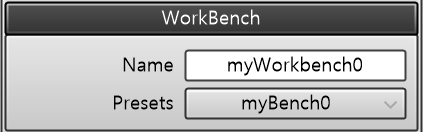
| Name | String | Workbench name |
| Name | Type | Description |
|---|---|---|
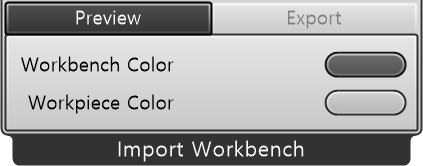
| WorkBench Color | Color | Visualization color |
| Name | Type | Description |
|---|---|---|
| WorkPiece Color | Button | Aligns the TCP parallel to the closest World coordinate axis (±X, ±Y, ±Z) based on the current TCP orientation. Equivalent to the Align function in ABB FlexPendant Jogging. |
Output
Section titled “Output”| Name | Type | Description |
|---|---|---|
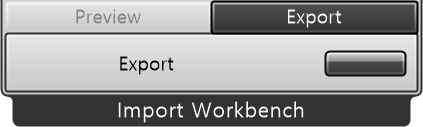
| Workbench | Workbench | Outputs the defined workbench. |